
Common WordPress Security Issues and How to Fix Them
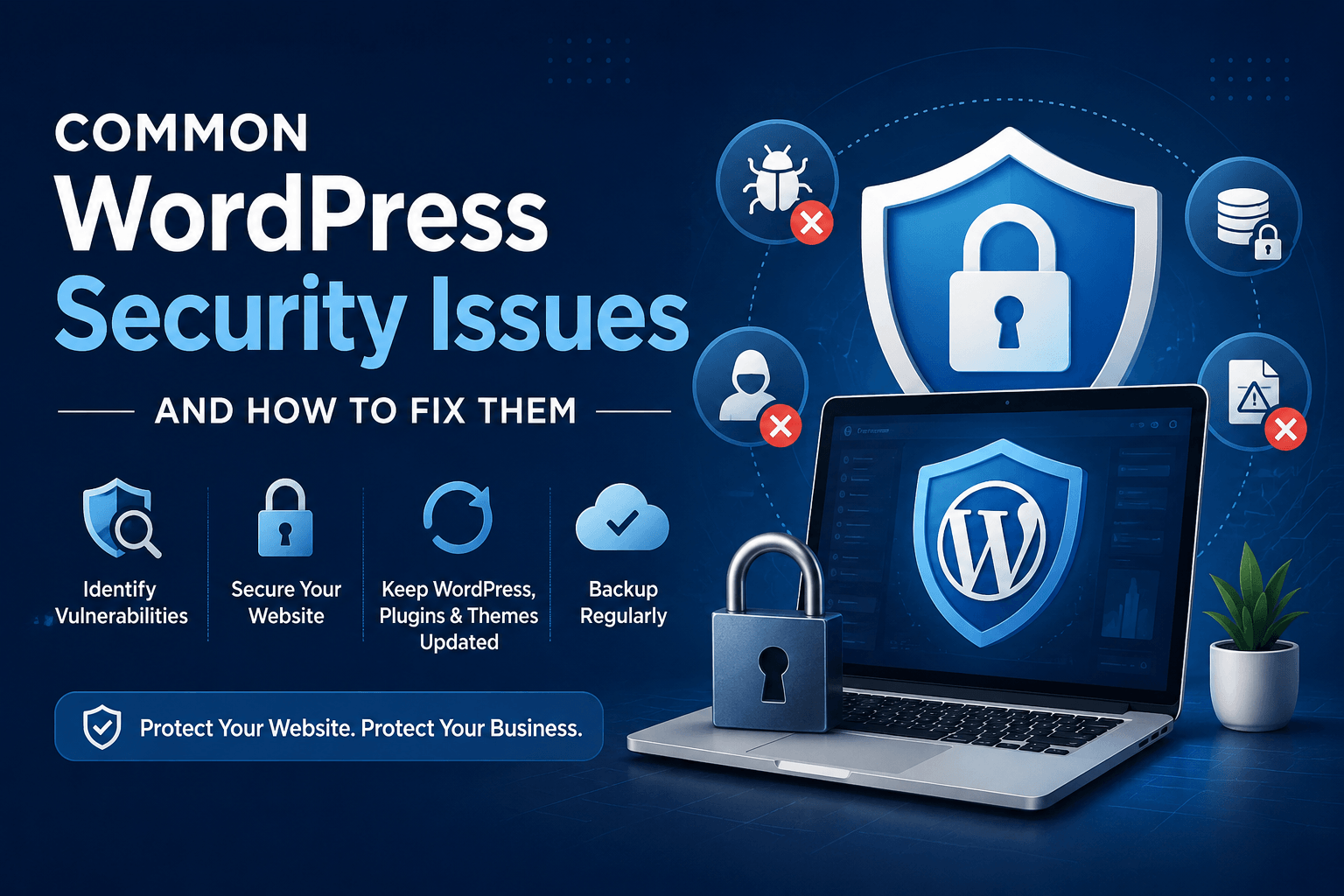
WordPress powers a huge number of websites around the world, from small business sites and personal blogs to large online stores. Its flexibility is one of the main reasons it is so popular, but that popularity also makes it an attractive target for hackers.
The good news is that most WordPress security problems can be avoided with regular maintenance and a few sensible security measures. Knowing where the common risks are is the first step towards keeping your website, customer information, and business reputation safe.
Understanding Common WordPress Security Issues
Most WordPress websites do not get hacked because WordPress itself is insecure. Problems usually happen when a plugin has not been updated, an old theme is still installed, or someone is using an easy-to-guess password.
Here are some of the most common security issues:
1. Outdated Plugins, Themes, and WordPress Core
Old software is one of the most common ways attackers gain access to a WordPress website. Developers regularly release updates to fix security problems, so ignoring updates can leave known vulnerabilities open.
How to fix it:
- Keep WordPress core updated.
- Update plugins and themes regularly.
- Remove plugins and themes you no longer use.
- Check that plugins are still actively maintained before installing them.
Suggested plugins:
- Easy Updates Manager – Helps you manage automatic updates.
- WP Activity Log – Keeps a record of important changes made to your website.
2. Weak Passwords and User Accounts
Simple passwords are still a major security risk. If an administrator account uses a weak or reused password, attackers may be able to gain access through repeated login attempts.
How to fix it:
- Use long and unique passwords.
- Avoid usernames such as “admin”.
- Remove old or unused user accounts.
- Give users only the permissions they actually need.
- Enable two-factor authentication for administrator accounts.
Suggested plugins:
- WP 2FA – Adds two-factor authentication to WordPress.
- Limit Login Attempts Reloaded – Blocks repeated failed login attempts.
3. Brute-Force Login Attempts
A brute-force attack happens when automated bots repeatedly try different username and password combinations until they find one that works. Even unsuccessful attacks can put unnecessary pressure on your server.
How to fix it:
- Limit the number of failed login attempts.
- Enable two-factor authentication.
- Use strong passwords.
- Add CAPTCHA protection where necessary.
Suggested plugins:
- Limit Login Attempts Reloaded
- Wordfence Security
- Simple Cloudflare Turnstile
4. Malware and Suspicious Files
Malware can be added to a website through vulnerable plugins, compromised accounts, or infected files. It may redirect visitors, send spam, steal information, or create hidden administrator accounts.
How to fix it:
- Scan your website regularly.
- Check for unexpected file changes.
- Remove suspicious administrator accounts.
- Keep clean backups of your website.
- Avoid downloading themes or plugins from unknown sources.
Suggested plugins:
- Wordfence Security – Includes malware scanning and firewall protection.
- Sucuri Security – Helps with security monitoring and file integrity checks.
- Solid Security – Provides several tools for strengthening WordPress security.
5. Spam and Fake Form Submissions
Contact forms, registration forms, and comment sections are common targets for bots. Large amounts of spam can fill your database and make genuine enquiries harder to manage.
How to fix it:
- Add spam protection to important forms.
- Use CAPTCHA or an alternative bot protection service.
- Moderate comments when necessary.
Suggested plugins:
- Akismet Anti-Spam
- CleanTalk
- Simple Cloudflare Turnstile
Identifying Vulnerabilities in Your WordPress Site
You do not need to wait for something to go wrong before checking your website. A regular security review can help you spot small issues before they become serious problems.
Start by checking whether WordPress, plugins, and themes are up to date. Review administrator accounts and remove anyone who no longer needs access. You should also look for unexpected files, unusual login activity, or sudden changes in website performance.
A security scanning plugin can make this process easier by checking for known vulnerabilities and modified files.
Useful plugins for security checks:
- Wordfence Security – Malware and vulnerability scanning.
- WP Activity Log – Tracks user activity and website changes.
- Health Check & Troubleshooting – Helps identify plugin and configuration issues.
Effective Solutions to Enhance WordPress Security
WordPress security does not need to be complicated. A few regular habits can make a big difference.
- Keep WordPress, plugins, and themes updated.
- Use strong passwords and two-factor authentication.
- Limit failed login attempts.
- Remove unused plugins, themes, and user accounts.
- Use an SSL certificate.
- Choose a reliable hosting provider.
- Take regular off-site backups.
- Scan the website for malware and suspicious changes.
For backups, plugins such as UpdraftPlus or WPvivid can automatically save copies of your website. Ideally, backups should be stored somewhere separate from your hosting server.
Staying Updated with WordPress Security Trends
WordPress security changes over time. New plugin vulnerabilities are discovered, attack methods change, and new security updates are released regularly.
You do not need to follow every security story, but it is worth checking your website regularly and paying attention to important update notices. Make sure the plugins and themes you use are still actively maintained and replace anything that has been abandoned by its developer.
Security is not a one-time task. Regular updates, backups, monitoring, and basic maintenance are usually the best ways to keep a WordPress website safe over the long term.

Article written by
The WebCoder
We are skilled in all aspects of web design, from planning and development to design and testing. I also have experience in web development technologies.